
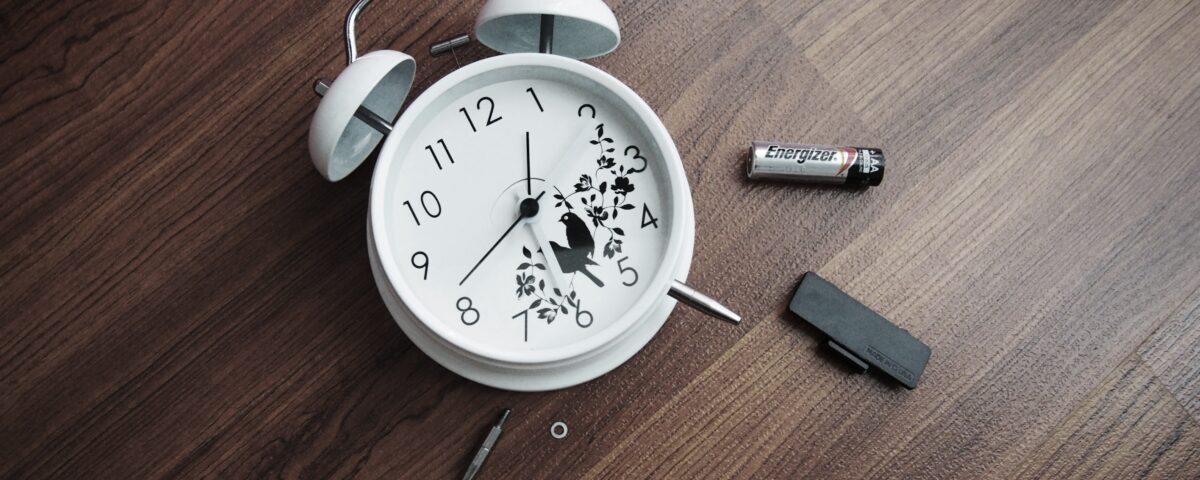
Don’t assume it needs replacing straight away. Many common clock problems have a simple cause, particularly with battery-powered quartz clocks.
The first step is to identify what the clock is actually doing.
The guide below will help you narrow down the problem before you start adjusting or replacing anything.
Clock Troubleshooting: Start Here
Use this simple decision guide to find the most likely cause.
Clock Doesn’t Run at All
Battery-powered? Check or replace the battery.
Mechanical? Check whether it has been wound or needs its pendulum started.
Still not running? Check the movement and hands for obstruction.
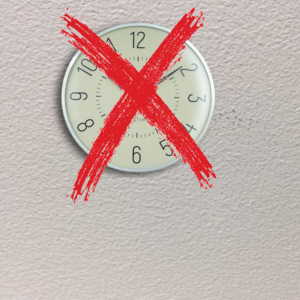
Clock Runs but Loses or Gains Time
Check the battery and movement type.
Check whether the hands are secure and the clock is being used in the correct position.
Radio-controlled? Check signal reception and settings.
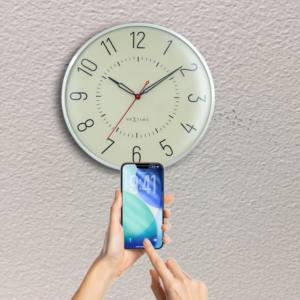
Hands Are Stuck or Won’t Move
Check whether the hands are touching each other, the dial or the glass.
If they are, carefully correct the obstruction only if the hands can be adjusted safely.
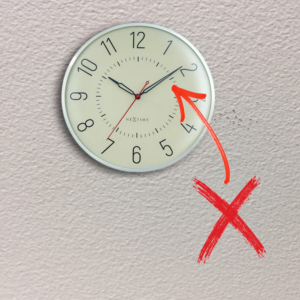
Clock Is Running but Shows the Wrong Time
Check the hands and setting mechanism.
Radio-controlled? Allow it to synchronise and check its settings.
Mechanical? Check that the clock is running correctly and is positioned as intended.
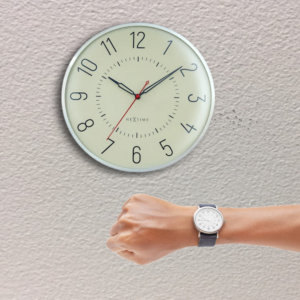
Clock Stops After a Short Time
Check the battery, hand clearance and, on mechanical clocks, whether the movement has enough power.
If it repeatedly stops despite these checks, the movement may need attention.
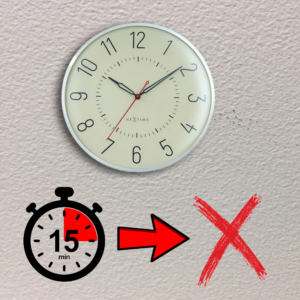
Clock Makes a Noise
A ticking sound can be normal for many movements.
Grinding, scraping or repeated clicking is more concerning, particularly if the clock is also stopping.
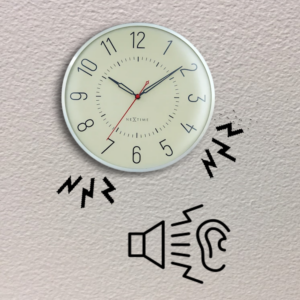
What Could Be Causing the Problem?
The most common cause depends on the type of clock.
Battery-Powered Quartz Clocks
These are among the simplest clocks to troubleshoot.
A small battery-powered movement drives the hands. A weak or flat battery is therefore one of the first things to check.
Other common problems include hands rubbing against one another, a hand touching the dial or glass, or a movement that has become worn or faulty.
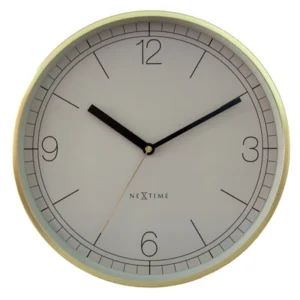
Radio-Controlled Clocks
These use a battery-powered movement but also receive a time signal.
If the clock runs but does not set itself correctly, the problem may be reception rather than the basic clock movement.
Position, interference, battery condition and the particular signal system supported by the clock can all matter.
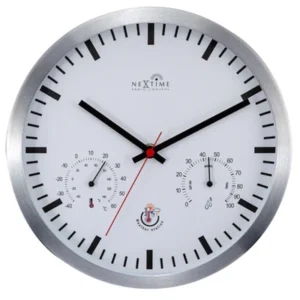
Mechanical Clocks
Mechanical clocks do not use a battery in the same way as a quartz clock.
They store energy in a spring or, depending on the design, use weights. Pendulum clocks also need the pendulum and movement to be working together correctly.
A mechanical clock that stops can therefore require a different approach from a battery-powered clock.

How to Fix the Most Common Clock Problems
1. If the Clock Does Not Run, Check the Power Source First
For a battery-powered clock:
- Remove the battery and check that it is the correct type for the movement.
- Look at the battery contacts for obvious dirt, corrosion or damage.
- Fit a fresh battery, making sure it is installed with the correct polarity.
- Watch the hands to see whether the movement starts.
If the clock still does nothing, don’t immediately assume the hands or movement are faulty.
Check whether a hand is obstructed before doing anything more involved.
For a mechanical clock, do not try to fit a battery or treat it like a quartz movement.
Check whether it needs winding and, if it has a pendulum, whether the pendulum is correctly positioned and able to swing freely.
2. If the Hands Are Stuck, Check Their Clearance
Hands need to move freely around the dial.
Look closely at the hour and minute hands.
Are they touching each other?
Is one touching the dial, glass or another part of the clock?
If you can clearly see that a hand is obstructed, stop the clock before attempting to correct it.
Do not bend or force clock hands unnecessarily.
They can be delicate, and the way they are fitted varies between movements.
If you are not sure how the hands should be removed or adjusted, it is safer to identify the movement first or seek professional help.
3. If the Clock Runs but Shows the Wrong Time, Check How It Is Set
A clock can be running perfectly while displaying the wrong time.
For a standard quartz clock, use the setting control on the back of the movement to adjust the hands.
Do not assume that every movement uses the same type of setting mechanism.
For a radio-controlled clock, allow it to receive the time signal before manually correcting it.
Check its instructions if it has a time-zone, daylight-saving or manual-setting function.
For a mechanical clock, the correct adjustment method depends on the movement.
If it is consistently gaining or losing time, the problem may not be solved simply by moving the hands.
4. If the Clock Loses or Gains Time, Look for the Cause
Start with the simplest checks.
- Make sure the battery is fresh if it is a battery-powered movement.
- Check that the hands are not rubbing against one another or another surface.
- Make sure the clock is being operated in the position intended for its design.
- If it is radio-controlled, check whether it has successfully synchronised.
- Observe the clock for a while to establish whether the problem is occasional or consistent.
A mechanical clock that consistently gains or loses time may need adjustment or servicing.
Avoid changing internal adjustments unless you know what they do.
5. If the Clock Stops After Running for a While, Check for an Obstruction
A clock that starts normally but repeatedly stops can have an intermittent problem.
Check whether the hands move freely through a complete cycle.
If a particular hand position causes the clock to stop, there may be contact between the hands, dial or glass.
On a battery-powered clock, try a fresh battery.
If the movement still stops with no visible obstruction, the movement itself may be worn or faulty.
On a mechanical clock, the cause could instead be related to winding, the pendulum, positioning or the mechanical movement.
These clocks can require more specialised diagnosis.
6. If a Radio-Controlled Clock Will Not Synchronise, Improve Reception
If the clock is running but the time is not being corrected, try:
- Fitting a fresh battery if the existing one is questionable.
- Moving the clock to a different position, such as nearer a window or outside wall.
- Moving it away from substantial metal objects and electrical equipment.
- Starting a manual reception attempt if the clock has that function.
- Leaving it long enough to make another automatic reception attempt if its design uses scheduled attempts.
If it works in one location but not another, reception is likely to be the issue.
If it never synchronises despite sensible positioning and a good battery, the receiving system or movement may be faulty.
Things to Check and Common Mistakes
Before replacing a clock movement, check the basics carefully.
-
- Wrong battery:
A battery that fits is not necessarily the correct battery for the movement.
- Wrong battery:
-
- Battery fitted backwards:
Check the positive and negative markings.
- Battery fitted backwards:
-
- Hands touching:
Even slight contact can interfere with movement.
- Hands touching:
-
- Hands touching the glass:
This can prevent the movement from completing its cycle.
- Hands touching the glass:
-
- Forcing the hands:
Some movements can be damaged by being adjusted incorrectly.
- Forcing the hands:
-
- Incorrect settings:
Radio-controlled and other specialised clocks may have time-zone or other settings that affect the displayed time.
- Incorrect settings:
-
- Poor positioning:
Radio-controlled clocks may work in one part of a building but struggle in another.
- Poor positioning:
-
- Treating every clock as a quartz clock:
Mechanical, pendulum and radio-controlled movements require different checks.
- Treating every clock as a quartz clock:
- Cleaning the movement with liquid:
Do not spray or apply household cleaner to the movement. Liquid can damage internal components.
If you are testing a clock with its case open, take extra care around moving parts.
Do not put fingers or tools into a running mechanism unless you know exactly what you are doing.
When Should I Replace the Movement or Get Professional Help?
For an inexpensive battery-powered clock, replacing a failed quartz movement can often be more practical than repairing the electronics inside it.
However, the replacement must be compatible with the clock’s hands, dial, case and mounting arrangement.
Consider a replacement movement when a fresh battery does not solve the problem, there is no obvious obstruction and the movement repeatedly stops or fails to operate correctly.
Professional help is a better choice when the clock is antique, valuable, sentimental or has a complex mechanical movement.
It is also sensible if you cannot identify the cause without dismantling the mechanism.
Stop before forcing, bending or dismantling anything you are unsure about.
A small amount of damage to a hand, dial or movement can turn a straightforward problem into a much bigger repair.
